

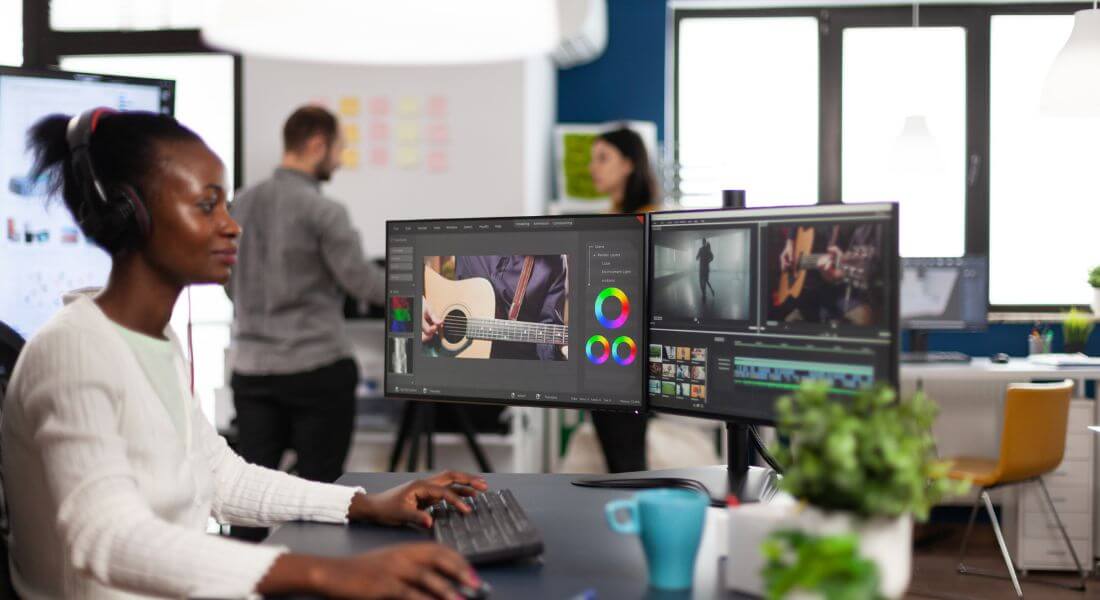
Video editing has never been more accessible or more exciting than it is today. With technology advancing at a rapid pace, creators now have a vast selection of tools at their fingertips, catering to every skill level, editing style, and budget. Whether you’re just dipping your toes into editing for the first time or you’re an experienced professional looking to upgrade your toolkit, the options in 2025 are better than ever.
From intuitive, beginner-friendly platforms that simplify the editing process to advanced professional suites offering cinematic-level precision, there’s something for everyone. Many of today’s software options go beyond just trimming clips they now offer AI-powered editing assistance, cloud-based collaboration, motion graphics integration, colour grading tools, and export presets tailored for every platform from YouTube to cinema screens.
In this guide, we’ll explore the very best video editing software available in 2025. We’ll break down the top choices for beginners who need simplicity without losing quality, as well as powerful solutions for professionals who demand complete creative control. Along the way, we’ll compare features, ease of use, compatibility, pricing, and unique benefits helping you find the perfect software to bring your creative vision to life.
1. Adobe Premiere Pro Best for Professionals
Features:
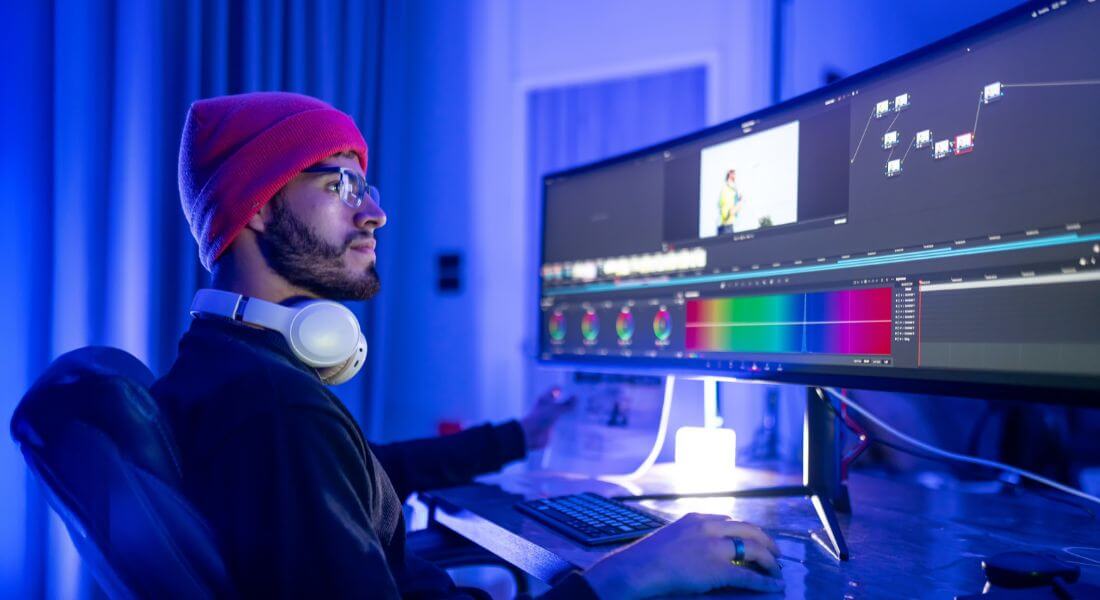
Adobe Premiere Pro continues to be the industry standard for professional video editing in 2025, trusted by filmmakers, YouTubers, and video production companies worldwide. It offers a comprehensive suite of advanced tools that cater to every stage of the editing process. From multi-cam editing for complex shoots to precision motion graphics creation and professional-grade audio mixing, it’s designed to handle even the most demanding projects.
One of its strongest advantages is its seamless integration with other Adobe Creative Cloud apps, such as Photoshop for image adjustments, After Effects for high-end visual effects, and Audition for sound design. This interconnected ecosystem allows editors to switch between tasks without breaking their workflow.
Premiere Pro also supports an extensive range of file formats and resolutions, including 8K footage, VR content, and HDR projects. This makes it a perfect choice for everything from cinematic film editing to corporate videos and social media content.
Ease of Use:
With great power comes a steeper learning curve. Premiere Pro is packed with features, and while the interface is highly customisable, it can feel overwhelming to beginners. New users may need to spend time exploring tutorials and practising basic edits before mastering advanced techniques. However, once you become familiar with its layout and capabilities, Premiere Pro transforms into an incredibly flexible platform where your only real limitation is your imagination.
Pricing:
Adobe Premiere Pro uses a subscription-based model, starting at £19.99/month for the individual plan. While this is pricier compared to some other editing tools, the investment often pays for itself for professionals who rely on it for daily work. Plus, the subscription includes regular updates, new feature rollouts, and access to Adobe’s growing library of stock assets.
2. Final Cut Pro Best for Mac Users
Features:
Final Cut Pro remains the go-to professional video editing software for Mac users, offering a perfect blend of power, speed, and Apple-level polish. Its Magnetic Timeline is one of its most celebrated features, allowing clips to automatically snap into place without accidentally disrupting your project’s overall structure. This makes arranging and trimming footage fast and frustration-free.
The software is equipped with high-end video editing tools suitable for everything from YouTube videos to full-length feature films. Its motion graphics capabilities are impressive, enabling editors to create dynamic titles, smooth transitions, and visually engaging effects without the need for third-party plugins. For colour correction and grading, Final Cut Pro offers professional-grade tools that can bring cinematic depth and precision to your visuals.
As expected from Apple, it’s fully optimised for Mac hardware, taking full advantage of the latest M-series processors. This results in faster rendering times, buttery-smooth playback, and efficient background processing. It also integrates seamlessly with other Apple software such as Motion and Compressor, giving you a cohesive post-production environment.
Ease of Use:
Final Cut Pro strikes a balance between accessibility and sophistication. While it still has a learning curve especially for those completely new to video editing it is widely regarded as more beginner-friendly than Adobe Premiere Pro. The intuitive design, responsive interface, and well-organised workspace make it easier to pick up the basics while still providing the advanced tools professionals expect. For Mac users who value speed, reliability, and professional output, it’s a standout choice.
Pricing:
Unlike many competitors, Final Cut Pro offers a one-time purchase model of £299.99. While the upfront cost may seem high, it can be more economical in the long run compared to subscription-based software. With free updates and no recurring fees, it’s an investment that continues to deliver value year after year especially for editors who plan to stick with Mac for the foreseeable future.
3. DaVinci Resolve Best for Colour Grading

Features:
DaVinci Resolve has earned its reputation as the industry leader in colour grading, trusted by Hollywood filmmakers, TV studios, and high-end commercial editors. Its colour correction and grading suite is unmatched, offering advanced tools such as HDR colour wheels, custom curves, tracking, and keying options that allow you to craft cinematic, visually stunning results. Whether you’re fine-tuning skin tones or giving an entire project a specific mood, Resolve provides an unparalleled level of control and precision.
Beyond its colour capabilities, Resolve has evolved into a complete post-production platform, offering professional timeline-based video editing, motion graphics through the Fusion tab, and high-end audio editing via Fairlight. The Fairlight suite gives you the ability to mix, edit, and master sound with tools that rival dedicated audio software. This makes DaVinci Resolve a true “all-in-one” solution eliminating the need to jump between multiple programs.
One of its biggest draws is the feature-rich free version, which includes almost everything a beginner or intermediate editor might need, from multi-cam editing to advanced effects. For professionals who want additional tools like noise reduction, stereoscopic 3D, or higher resolution output, the Studio version unlocks even more power.
Ease of Use:
DaVinci Resolve’s depth and versatility come with a steep learning curve. Beginners may initially feel overwhelmed by its multiple workspaces (Media, Cut, Edit, Fusion, Colour, Fairlight, and Deliver). However, Blackmagic Design offers an extensive library of free tutorials, manuals, and training courses, making it easier to build your skills step-by-step. Once you’re comfortable navigating its layout, the workflow becomes highly efficient, especially for projects that require both professional editing and world-class colour grading.
Pricing:
DaVinci Resolve offers exceptional value. The free version is one of the most generous in the industry, giving access to professional-grade features at no cost. The paid version, DaVinci Resolve Studio, is available for a one-time fee of £249, with lifetime updates included making it a far more affordable option in the long run compared to subscription-based software.
4. Filmora Best for Beginners
Features:
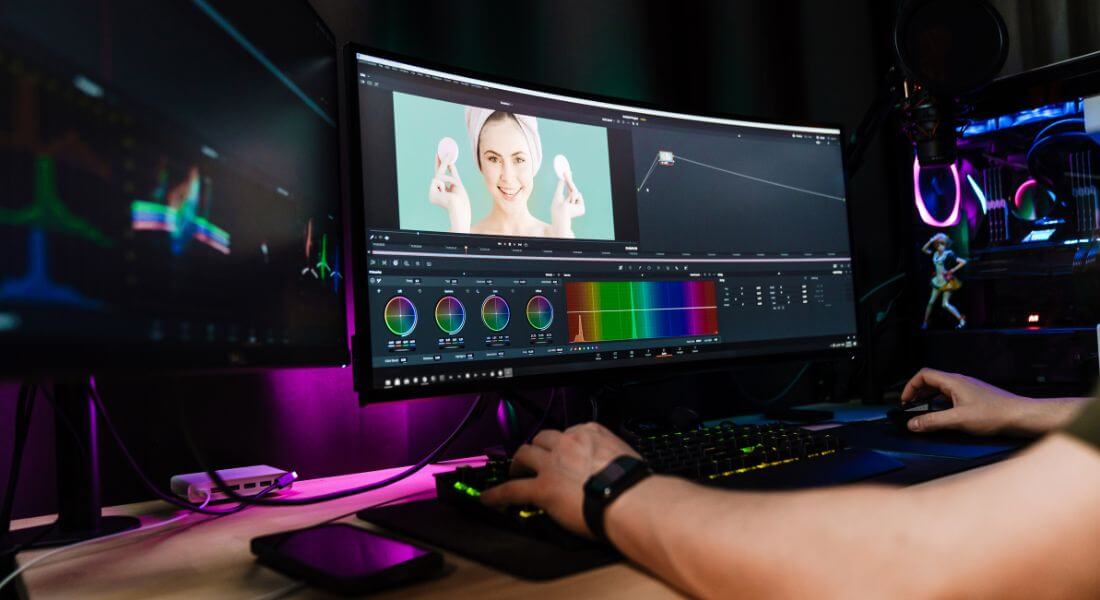
Filmora has carved out a strong reputation as one of the most beginner-friendly video editing platforms available today. Its drag-and-drop interface is designed to eliminate the intimidation factor that often comes with learning new software. You can simply import your clips, arrange them on the timeline, and start adding polish with just a few clicks.
The software comes with a variety of built-in features that cover the essentials for casual and semi-professional creators. These include an array of effects, transitions, text styles, and audio tools, allowing you to add creative flair to your videos without getting lost in overly complex menus. Filmora also supports popular formats, including 4K video, making it suitable for producing content for YouTube, social media, or even small business promotions.
Other highlights include a built-in music library with royalty-free tracks, a collection of text templates for titles and captions, and handy preset colour filters. While it doesn’t have the deep professional tools of Premiere Pro or DaVinci Resolve, it’s perfect for those who value speed, simplicity, and creative freedom.
Ease of Use:
Filmora’s biggest selling point is its intuitive interface. New users can start editing almost immediately without spending hours on tutorials. The timeline is clean and uncluttered, the menus are logically organised, and most features can be applied with simple clicks or drags. This makes it ideal for beginners, hobbyists, and small business owners who want professional-looking results without dealing with steep learning curves.
Pricing:
Filmora offers a free trial so you can test its features, though exported videos will include a watermark. The paid version starts at £49.99/year for the standard plan, which removes the watermark and unlocks additional resources. This makes it one of the more affordable paid editing options especially for those who don’t need high-end cinematic tools but still want polished, engaging content.
5. iMovie Best Free Option for Mac Users
Features:
iMovie is Apple’s entry-level video editing software, and while it’s free, it delivers a surprisingly polished experience. It includes all the basic editing tools most casual creators need such as cutting, trimming, video stabilisation, speed adjustments, and basic audio editing. For those looking to add a touch of creativity, iMovie offers a range of built-in transitions, filters, and title styles, as well as preset themes to give your videos a professional feel without much effort.
One of its biggest advantages is its seamless integration within the Apple ecosystem. You can start editing on your iPhone or iPad using the mobile version and then continue on your Mac without losing progress, thanks to iCloud syncing. This flexibility is ideal for people who shoot on mobile devices but want to refine their projects on a desktop.
iMovie also includes built-in templates for trailers and short videos, making it quick and easy to create engaging content. While it doesn’t offer high-end tools like multi-cam editing or advanced colour grading, it’s more than capable for social media videos, family projects, school assignments, and simple marketing content.
Ease of Use:
One of the reasons iMovie remains so popular is its extreme user-friendliness. The interface is clean, minimal, and free from overwhelming menus, making it approachable even for complete beginners. Most editing tasks can be completed with drag-and-drop actions, and Apple provides helpful built-in tips to guide you through the process. If your goal is to create quality videos without having to learn a complex system, iMovie is an excellent starting point.
Pricing:
The best part? iMovie is completely free for all Mac and iOS users. This makes it an outstanding choice for those who are just getting started with video editing or who want a capable tool without spending a penny. For many creators, iMovie is the perfect stepping stone before upgrading to more advanced software like Final Cut Pro.
6. Shotcut Best Free and Open-Source Software
Features:
Shotcut is a standout choice for those looking for a powerful, completely free, and open-source video editing solution. Despite costing nothing, it offers a surprisingly robust set of features that can rival some paid options. It supports a wide variety of formats, including high-resolution 4K video, and provides an impressive selection of filters, transitions, and effects to enhance your projects.
As an open-source tool, Shotcut is constantly being improved by a global community of developers, which means it often gets new features and bug fixes without the delays that sometimes come with commercial software updates. It’s also cross-platform, meaning you can run it on Windows, macOS, or Linux, making it one of the most versatile free editors available.
The software also includes practical tools like keyframe-based animations, audio mixing, colour correction, and hardware-accelerated decoding, making it capable of handling anything from basic edits to more creative, complex projects.
Ease of Use:
While Shotcut offers a lot of functionality, it’s not the most beginner-friendly editor right out of the box. The interface can seem a little unconventional compared to mainstream editing software, and newcomers might need to spend some time learning where everything is. However, once you get comfortable with its layout, you’ll find it offers a surprising amount of creative control especially for something that’s completely free.
Pricing:
Shotcut is 100% free, with no hidden costs, subscriptions, or premium versions. All of its features are available without restriction, making it ideal for those who want to explore video editing without committing financially. It’s a great option for hobbyists, budget-conscious creators, and anyone who wants the flexibility of an open-source platform.
7. Adobe Premiere Rush Best for Quick Edits and Social Media Content
Features:
Adobe Premiere Rush is essentially a streamlined version of Adobe Premiere Pro, built specifically for creators who need to edit and publish videos quickly particularly for social media. It’s optimised for speed and convenience, offering a simplified interface that still packs enough tools to produce professional-looking results.
One of its standout strengths is its automatic sync with Adobe Creative Cloud, allowing you to seamlessly move projects between devices. For example, you can start editing on your phone during a commute and finish polishing the same project on your desktop at home.
Premiere Rush also includes built-in templates and export presets designed for popular social media platforms such as Instagram, TikTok, and YouTube. These templates automatically set the right aspect ratios and resolutions, so you don’t have to worry about manual adjustments. Basic colour correction tools, transitions, and an integrated music library make it easy to produce polished content in a short amount of time.
Ease of Use:
Rush is extremely beginner-friendly. Its simplified timeline, drag-and-drop editing, and minimal menu system make it ideal for creators who don’t want to get bogged down in the complexities of Premiere Pro. It’s particularly well-suited for YouTubers, influencers, and small business owners who want fast turnaround times without sacrificing quality. While it lacks the advanced features of its big sibling, it’s perfect for straightforward edits and platform-specific content creation.
Pricing:
Premiere Rush offers a free version with limited exports and features, making it a good way to test the software before committing. The paid version starts at £9.99/month, unlocking unlimited exports, additional storage, and full Creative Cloud integration. For creators who post regularly, the subscription can be well worth the cost for the time and effort it saves.
8. KineMaster Best for Mobile Video Editing
Features:
KineMaster is one of the most feature-rich mobile video editing apps available, catering to creators who prefer editing directly from their smartphones or tablets. Available for both iOS and Android, it offers tools that rival some desktop editors, including multi-layer editing, audio mixing, real-time voice recording, and frame-by-frame trimming for precise edits.
The app also comes with a built-in library of effects, transitions, stickers, fonts, and royalty-free music, making it easy to produce engaging videos without needing external resources. KineMaster supports multiple aspect ratios, so you can create content optimised for Instagram Reels, TikTok, YouTube, or traditional widescreen formats all from your mobile device.
In addition, it supports chroma key (green screen) functionality, keyframe animation, and high-resolution exports up to 4K at 60fps capabilities rarely found in free mobile editors. These features make it a go-to choice for vloggers, social media influencers, and small businesses creating professional-quality content on the move.
Ease of Use:
KineMaster’s interface is clean and beginner-friendly, yet packed with enough features to satisfy more advanced users. The touchscreen controls are intuitive, and the timeline layout makes it easy to layer clips, audio, and effects without feeling cramped. It’s perfect for quick edits on the go, but also powerful enough for longer, more detailed projects when you don’t have access to a computer.
Pricing:
KineMaster offers a free version, but exported videos will have a watermark. The premium version which removes the watermark and unlocks the full asset library costs £4.99/month or a discounted £39.99/year. For creators who produce regular mobile content, the premium plan offers excellent value for the features included.
Final Thought: Choosing Your Perfect Video Editing Software
Choosing the right video editing software depends on your needs, skill level, and budget. Whether you’re a beginner looking for easy-to-use software like Filmora or iMovie, or a professional seeking advanced features like those found in Adobe Premiere Pro or DaVinci Resolve, there’s a tool that’s perfect for you.
If you need assistance with professional video editing, feel free to get in touch with our video production company in London. We can help you create stunning videos that stand out and captivate your audience.
